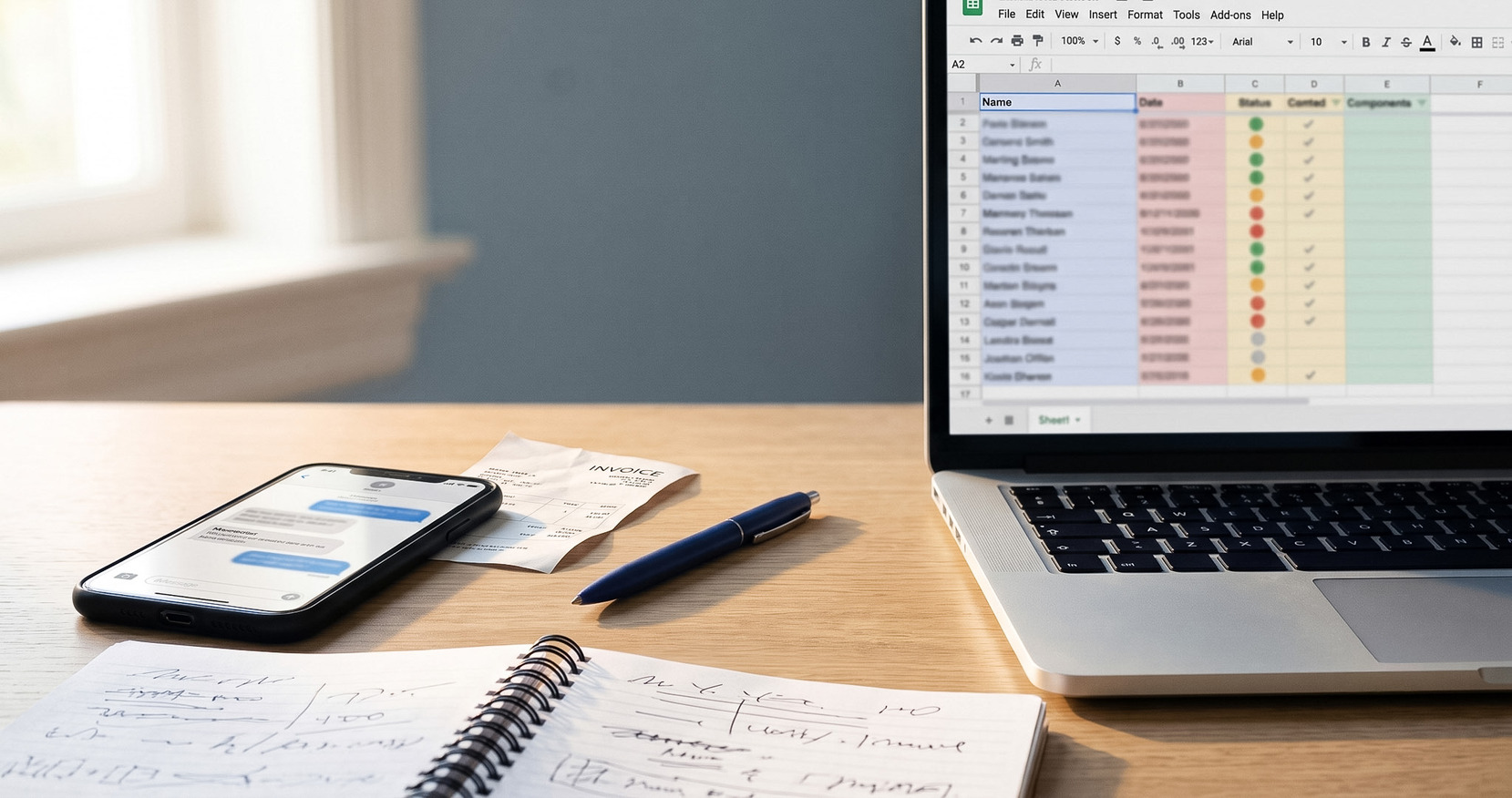
You did the work. The message is “seen.” Now the follow-up sits in a chat thread you keep meaning to send. Here’s a calmer way to collect from a client who won’t pay, and the tools that do the chasing for you.
Why Collecting Feels Harder Than It Should
Most unpaid balances in the Philippines don’t go unpaid because the client refuses. They go unpaid because the collection work is scattered:
- the bill is somewhere in a chat thread,
- the due date is in your head,
- the proof is a screenshot,
- the status is buried in your GCash history,
- the follow-up is a personal message you keep putting off.
That isn’t a payment problem. It’s a tracking and follow-up problem. And it drags on for a simple reason: no one enjoys being the person who keeps asking for money. So the message waits, and the balance sits.
The fix isn’t to chase harder. It’s to make the follow-up something a system handles on schedule, so getting paid stops depending on an awkward reminder you have to send yourself.
Six Steps to Actually Get Paid
1. Put the Amount in Writing, With a Due Date
A “pakibayad na po” in chat is easy to miss and easy to postpone. A bill with an amount, a short description, and a real due date sets a clear expectation, and gives you something to point back to later. You don’t need a formal invoice with item catalogs and letterhead. A simple bill is enough.
2. Make It Effortless to Pay
Every step between “I’ll pay” and paid is a place the balance can stall. Send a payment link the client opens in a browser and pays from the bank app or e-wallet they already use: GCash, Maya, or any QR Ph-enabled bank. No new account, no download on their end.
3. Follow Up on a Schedule, Not on Your Nerves
This is where most collections quietly die. Decide the follow-up cadence once, a nudge before the due date, one on the day, and a few after, then let it run automatically. When reminders go out on schedule with the amount and a payment link attached, the follow-up reads as a system notice, not a favor you’re asking for. The system follows up, so you don’t have to.
4. Confirm Payment Without Chasing Screenshots
Screenshots can be faked, and matching them to who owes what is its own chore. QR Ph payments can mark a bill as paid automatically, so you’re not verifying by hand. When someone pays in cash or through another channel, record it against the bill so the history matches what happened.
5. Keep One View of Who’s Paid, Who Hasn’t, and Who’s Overdue
If the only way to know your collections status is to rebuild it from chats and wallet history, you’ll avoid looking, and balances slip. One list showing paid, partially paid, unpaid, and overdue turns “I think most people paid” into something you can see.
6. When a Client Still Won’t Pay
Keep it professional and keep the record. A clear, dated bill trail with scheduled reminders does most of the work without a single confrontational message. If the amount is large, offering to split it into partial payments often gets you paid faster than waiting for the whole sum. Raise the firmness of your tone gradually, never the accusation.
Which Tool Fits How You Collect
There’s no single best tool. It depends on whether your real problem is accepting a payment or tracking and following up on who still owes you. Here’s the honest landscape for Filipino solo professionals and small businesses.
| If Your Problem Is… | The Usual Tools | Where They’re Strong | Where They Leave A Gap |
|---|---|---|---|
| Just receiving money | Manual GCash / Maya + chat | Free to receive person-to-person, familiar to everyone, zero setup | No reminders, no bill status, no single view of who’s unpaid. You track it all yourself. |
| Accepting payments on a site or link | PayMongo, Maya Business | Strong, credible payment links across many channels | Built to answer “did the payment happen,” not “who owes me and needs the next reminder” |
| Formal invoicing and records | Nvoize, Conta, PayTuko, Mochi, HitPay | Proper invoices, client records, recurring billing; some are free or charge no transaction fee | Heavier to set up; reminders are often email-first; more than you need for a quick bill |
| Tracking and chasing what’s owed | NextCollect | Bill link, automatic reminders, QR Ph auto-confirm, paid/unpaid/overdue view, payout to your bank | Not formal invoice software, by design |
Every one of these is a reasonable choice for the right job. NextCollect sits in the middle: lighter than invoice software, more structured than GCash-plus-chat, more focused on collections than a plain payment link. Still weighing the categories? Here’s a fuller breakdown of payment links vs invoice software vs lightweight collections, or see the best ways to collect payments in the Philippines with the tools compared side by side.
Fees and features verified as of July 3, 2026. Pricing reflects each provider’s own published rates. These change often — check the source for current pricing before deciding.
Official pricing: PayMongo , GCash for Business , Maya Business , Nvoize , HitPay , Conta , PayTuko , Mochi.ph .
A GCash Alternative for Tracking Who Still Owes You
If you already collect through GCash, you don’t need to replace it. GCash does one thing well: it lets a client pay you in seconds from a wallet they already trust. What it doesn’t do is tell you who hasn’t paid yet, send the reminder, or keep a running status per client. That’s the part that eats your evenings.
NextCollect adds that layer on top of the payment habits your clients already have. The bill still gets paid by QR Ph, through GCash, Maya, or a bank app, but now it has a due date, an automatic reminder, a payment confirmation, and a clear list of who still owes you. You keep the familiar way to get paid, and add the part that was missing. Here’s exactly how to create a GCash payment link that tracks who paid.
Which Should You Use?
Choose based on the job, not the brand
Choose full invoice software if
- You need formal, itemized invoices and PDF records
- You keep detailed client profiles, contracts, or recurring billing
- Your books need invoice-level accounting and reports
Choose NextCollect if
- You mostly need to bill a client, send a link, and get reminded who hasn't paid
- You want reminders to run automatically instead of sending them yourself
- Your clients should be able to pay without creating an account
- You want QR Ph payments confirmed for you, and cash or e-wallet payments recorded in one place
- You want collected funds moved to your Philippine bank account
If a plain payment link already covers you and you don’t mind tracking follow-ups by hand, keep it. The moment you’re losing track of who still owes you, that’s what NextCollect is for.
Frequently Asked Questions
Will the Reminders Annoy My Client?
They’re professional, scheduled, and specific. Each one includes the amount, the due date, and a payment link. Because they run automatically, they read like a system notice rather than a personal message you had to send.
Does My Client Need an Account or an App?
No. They open the payment link in a browser and pay through a QR Ph-enabled bank app or e-wallet they already use.
Is This the Same as Invoice Software?
No, it’s lighter. Use NextInvoice when you need formal invoices, client records, and receivables accounting. Use NextCollect when you need a bill, a link, automatic reminders, payment confirmation, and a view of who still owes you.
Can I Record a Payment Made in Cash or Over GCash?
Yes. Record cash, check, GCash, Maya, or bank-transfer payments against the bill so the history matches what really happened.
When Do Fees Apply?
Creating and sending bills is free, and automatic SMS reminders are included. You pay only when money moves: a 2% collection fee on successful client payments, and a ₱12 payout fee when you move collected funds to your Philippine bank account. See the pricing page for the full breakdown.
Is the Payment Link Secure?
Yes. Payments run over QR Ph rails through the client’s own bank or e-wallet, and NextPay is a BSP-registered payment operator.