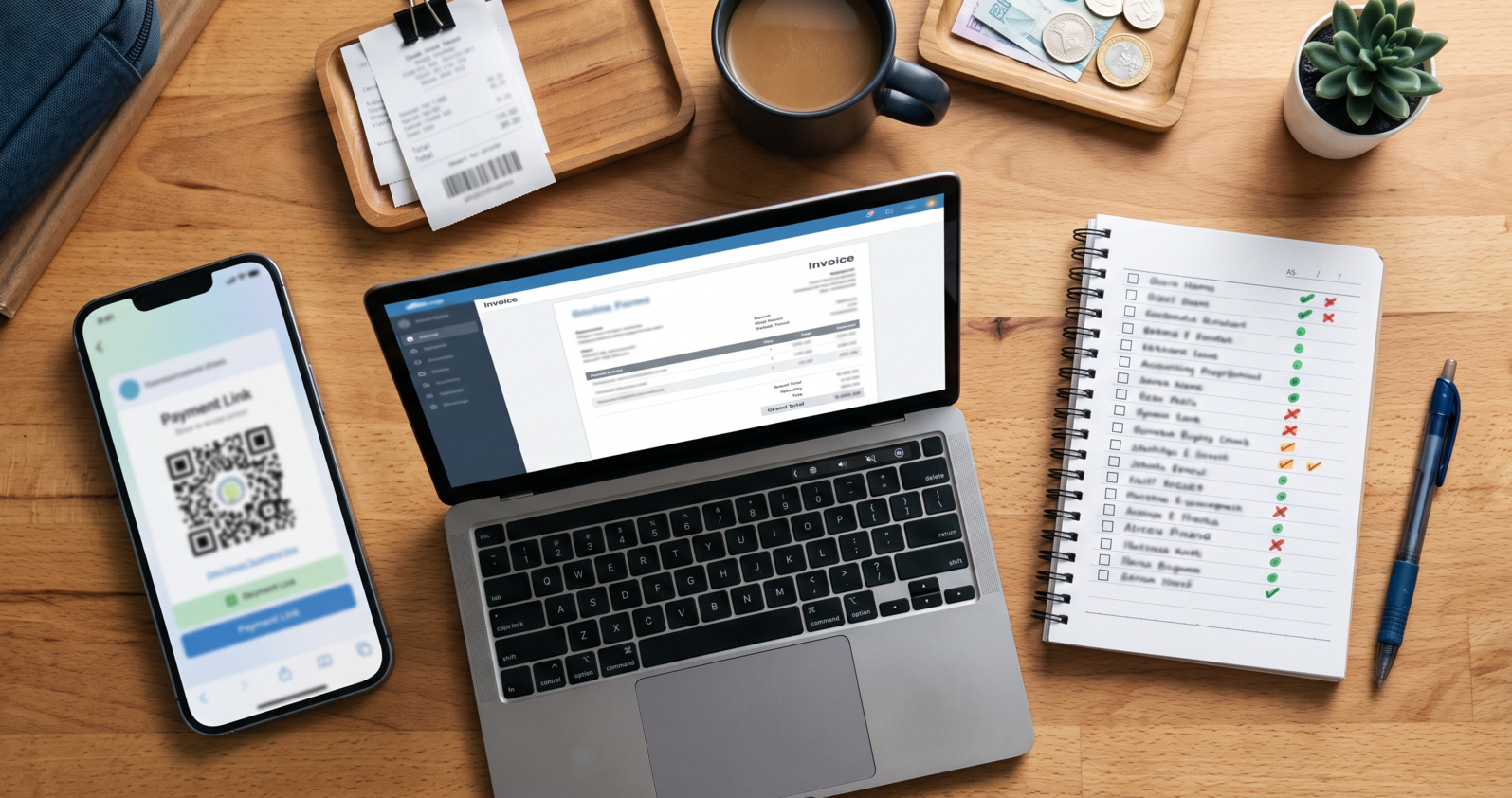
You did the work, delivered it, and now you need to get paid. The tool you reach for depends on which problem you actually have. Most tools for getting paid fall into three buckets that sound alike and overlap a little, but solve different jobs. Here’s the plain-English version, so you don’t pay for more than you need.
The Three Buckets
- Payment links — the fastest way to accept a one-off payment.
- Invoice software — for formal invoices, records, and recurring billing.
- Lightweight collections — for tracking who owes you and following up until they pay.
Most of the confusion comes from expecting one bucket to do another’s job.
Payment Links
You create a link, send it, and the client pays. PayMongo and Maya Business are the familiar examples. If your clients mostly pay by GCash, here’s how to create a GCash payment link.
Best for: taking a payment when you just need money in — a deposit, a one-off sale, a quick charge.
Where it stops: a link tells you that a payment happened. It doesn’t track who still hasn’t paid, send reminders, or keep a running status per client. That’s a different job.
Invoice Software
Proper invoices with line items, client records, recurring billing, and reports. Nvoize, Conta, and PayTuko are examples; NextPay’s own NextInvoice sits here too.
Best for: businesses that need formal, itemized invoices and books that reconcile — agencies, or anyone whose accountant expects invoice-level records.
Where it stops: it’s heavier than many solo professionals need for a simple “you owe me ₱X, due Friday.” Reminders are often email-first, and setup asks for client profiles, invoice fields, and branding before you can send.
Lightweight Collections
A bill, a payment link, automatic reminders, payment confirmation, and a paid/unpaid/overdue view, without the weight of invoice software. This is NextCollect.
Best for: solo professionals and small businesses whose real problem isn’t accepting a payment or issuing a formal invoice. It’s keeping track of who still owes them and following up without it getting personal.
Where it fits: lighter than invoice software, more structured than GCash-plus-chat, more focused on collections than a plain payment link.
Which Do You Need?
- Reach for a payment link if you just need to accept a payment and don’t need to track follow-ups.
- Reach for invoice software if you need formal invoices, client records, and invoice-level accounting.
- Reach for lightweight collections if you keep losing track of who still owes you, and you want reminders to run on their own.
You Can Mix Them
These aren’t mutually exclusive. Plenty of businesses accept checkout payments with a payment link and use a collections tool to chase client balances. The point isn’t to pick one forever. It’s to stop forcing one bucket to do another’s job.
Fees and features verified as of July 3, 2026. Pricing reflects each provider’s own published rates. These change often — check the source for current pricing before deciding.
Official pricing: PayMongo , Maya Business , Nvoize , Conta , PayTuko , GCash for Business .
Frequently Asked Questions
Isn’t a Payment Link Enough?
If you only need to accept a payment, yes. The moment you need to know who hasn’t paid and follow up, a link alone leaves you tracking it by hand.
Is Lightweight Collections Just Invoice Software With Fewer Features?
No, it’s a different starting point. Invoice software starts from the invoice; lightweight collections starts from the balance someone owes you and the follow-up. If you need formal invoices, use invoice software; if you need to get paid what you’re owed, use collections.
Where Does GCash Fit?
GCash is how your client pays; it’s not a bucket of its own here. Lightweight collections sits on top of it: the client still pays by QR Ph through GCash, but now there’s a due date, a reminder, and a status.