
POS-embedded
You run a cloud POS across branches
Every card and QR payment posts itself against the matching sale, then rolls up across your branches. The end-of-day matching just disappears.
Auto-reconciliation included
In-Person Payments · NextTerminal
Bring in-person payment acceptance and POS matching into one clearer operating flow for every branch
Deployment and commercial terms are confirmed with our team
Tap a card or phone, and QR Ph on one terminal
Payments auto-reconciled into your cloud POS
One dashboard across every branch
The reconciliation gap
The card machine, QR Ph, and the POS run as separate systems. So at close, the day's takings get reconciled line by line, the picture only turns up in a monthly statement, and across branches there is no single source of truth. NextTerminal removes the matching step entirely.
The reconciled path
One tap. Card, phone, or QR Ph.
Tap a card or phone, chip, or scan QR Ph on one terminal.
Matched to the sale, automatically.
The payment posts straight onto the matching POS sale line.
One reconciled dashboard.
Card and QR Ph, unified across all your locations.
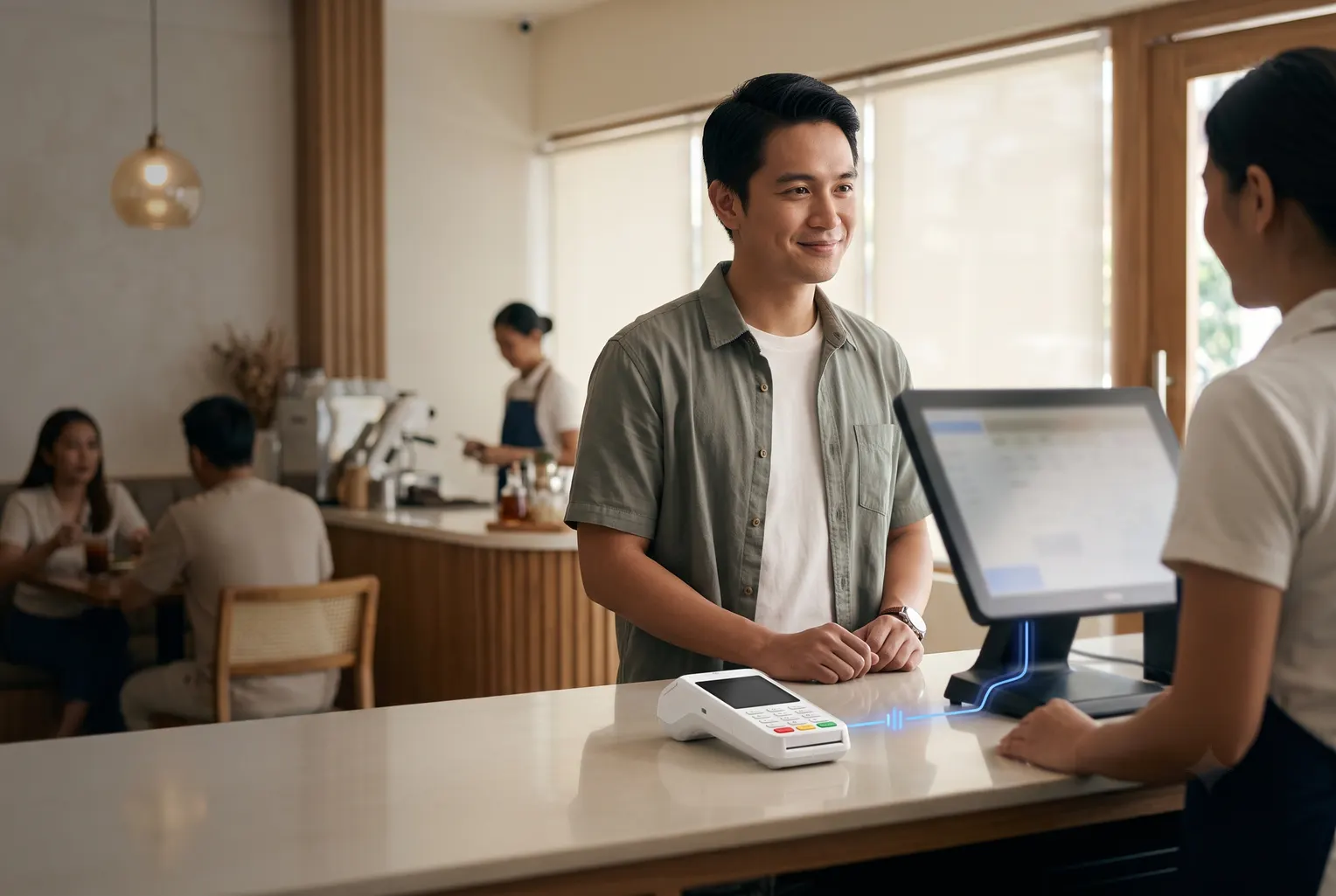
One terminal, one dashboard
Every card and QR Ph payment posts onto the matching POS sale line, so nothing is matched by hand.
Cards, Apple Pay, Google Pay, and QR Ph, all on one terminal.
Card and QR, unified in real time across every branch.
Bank-grade card acquiring and processing behind a BSP-registered operator.
Embed acceptance in your platform or add custom features to the terminal.





On a cloud POS, every payment reconciles itself. Not there yet? You still get card and QR Ph on one device, with every branch in one dashboard.
POS-embedded
Every card and QR payment posts itself against the matching sale, then rolls up across your branches. The end-of-day matching just disappears.
Auto-reconciliation included
Standalone
Take card and QR Ph on one device, with every sale in one dashboard. Move to a cloud POS later and auto-reconciliation turns on.
Unified card and QR dashboard
Go-live
Day 0
We check your setup and prepare docs before submission.
~12 business days
The card acquirer underwrites the merchant account.
1 to 2 days
Terminal set up and connected to your POS path.
Within ~3 days
Take card and QR Ph at the counter, reconciled from day one.
Commercial fit
One rate, built around your business — not a rate card you have to decode.
Tell us your setup and we'll tailor your rate to your industry and monthly sales volume.
Cloud-based POS platforms for now, such as Utak and StoreHub. On-premise and legacy POS are not yet supported. Our team confirms your specific setup before deployment.
Yes. Apple Pay and Google Pay are contactless taps on your customer's Visa or Mastercard, so the terminal takes them like any other tap, and they reconcile into your POS and dashboard the same way. There is no separate setup on your side.
Yes. A standalone terminal takes card and QR Ph payments with a unified NextPay dashboard. Auto-reconciliation into a POS applies only when you run a connected cloud POS.
Card and QR Ph payments settle the next business day (T+1). Some higher-risk categories can run up to T+3. Settlement goes directly to your bank account.
The transaction fails safely with no ambiguous charge, and you simply retry. Terminals run on Wi-Fi with an enterprise data SIM as backup, and you can void a wrong transaction until 11:59pm the same day.
Pricing is a single blended rate shaped by your merchant category, committed volume, and underwriting. Our team confirms the commercial terms during setup.
Acquirer approval is about 12 business days after complete documents. We pre-screen to speed this up and typically go live within a three to four week window. Extra branches under the same entity are much faster.
Talk through your counter flow, cloud-POS setup, and branch operations with our team.
Cloud-POS deployment is confirmed with the team.