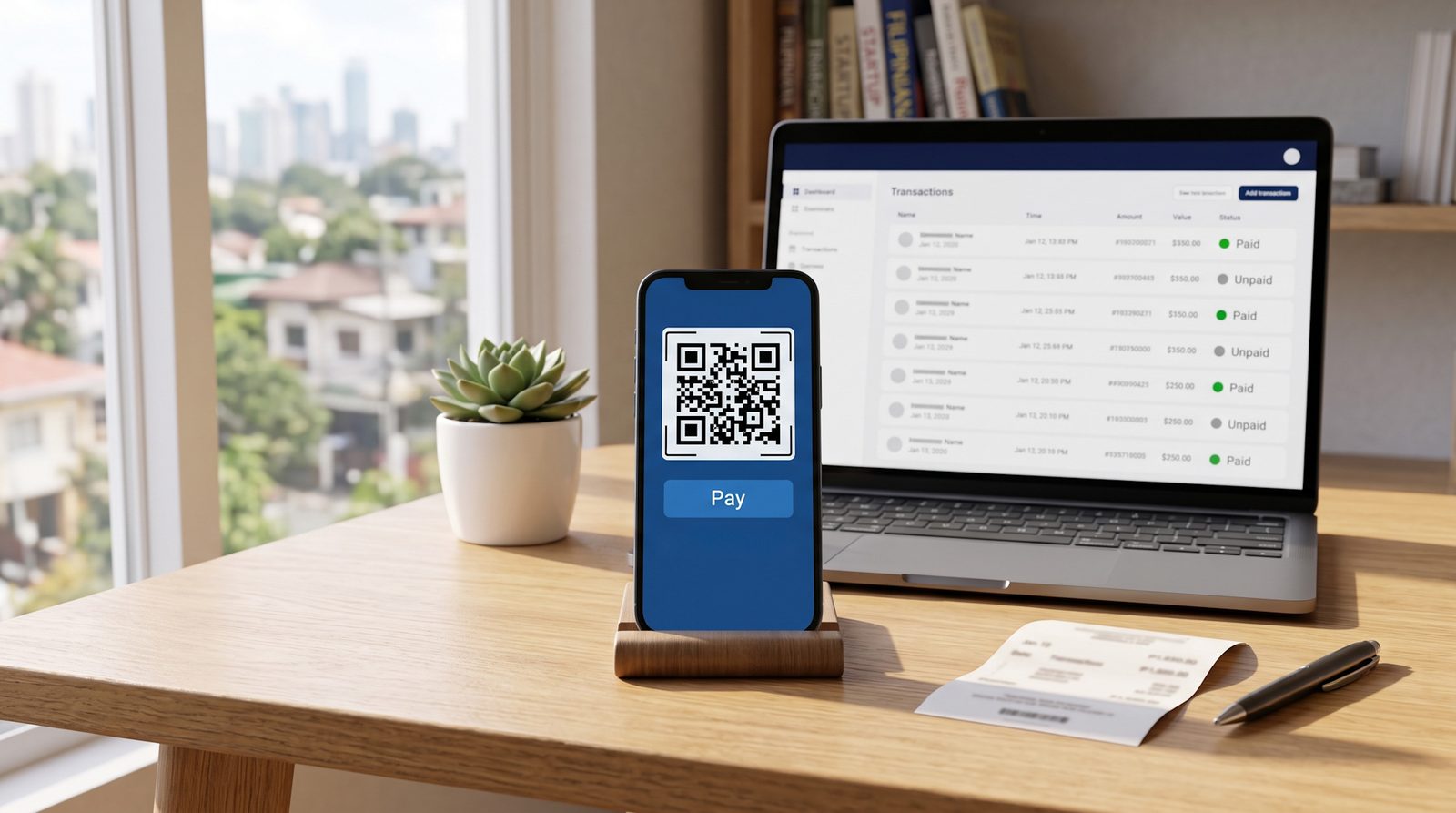
You can have a GCash payment link ready in a couple of minutes, share it, and let a customer pay from the wallet they already use. The part that trips people up comes after: a link gets you paid once, but on its own it won’t tell you who still hasn’t paid, confirm the payment without a screenshot, or send the reminder for you. Here’s how to create a GCash payment link that handles all of that.
What a GCash Payment Link is
A GCash payment link is a link you send a customer so they can pay you online instead of copying your number or scanning a QR screenshot. They open it in a browser and pay with GCash, Maya, or any QR Ph-enabled bank app. No new account, no download on their end.
There are a few ways to get one. You can share your personal GCash details, set up a GCash for Business QR, or use a collection tool that generates a proper payment link tied to a specific bill. They all let someone pay you. Where they differ is what happens after the link goes out, which is the part that decides whether you actually stay on top of who owes you.
How to Create a GCash Payment Link That Tracks Itself
NextCollect is a separate collections tool, not part of or affiliated with GCash. It creates a payment link your customer pays with GCash or any QR Ph app, and keeps the status for you.
1. Create a Bill
Enter the customer, the amount, a short description, and a due date. You don’t need a formal invoice with item catalogs or letterhead, a simple bill is enough. This is what turns “pakibayad na po” into a clear, dated expectation you can point back to.
2. Share the Link
Send the payment link over Messenger, Viber, SMS, or email. The customer opens it in a browser and pays through GCash or any QR Ph bank or e-wallet. They don’t need a NextCollect account to pay.
3. Let Payment Confirm Itself
QR Ph payments can mark the bill as paid automatically, so you’re not matching screenshots to names by hand. If someone pays in cash or through another channel, you record it against the bill so the history matches what really happened.
4. Let Reminders Run on Schedule
Decide the follow-up cadence once, a nudge before the due date and a few after, then let it run. Automatic SMS reminders go out with the amount and the payment link attached, so the follow-up reads like a system notice instead of an awkward message you have to send yourself.
5. See Who’s Paid and Who Hasn’t
One list shows paid, partially paid, unpaid, and overdue. Instead of rebuilding your collections status from chat threads and GCash history, you can just look.
6. Move the Money to Your Bank
When you’re ready, move collected funds to your Philippine bank account.
A GCash Number Gets You Paid. It Doesn’t Tell You Who Owes You.
If you already collect through GCash, you don’t need to replace it. GCash does one thing well: it lets a customer pay you in seconds from a wallet they trust. What a raw number or QR screenshot doesn’t do is tell you who hasn’t paid yet, send the reminder, confirm the payment for you, or keep a running status per customer. That’s the part that eats your evenings, no matter which wallet or QR the money comes through.
A tracked payment link adds that layer on top of the payment habits your customers already have. The bill still gets paid by QR Ph, through GCash, Maya, or a bank app, but now it has a due date, an automatic reminder, a confirmation, and a place in a list of who still owes you.
What GCash Costs, and What a Tracked Link Adds
Cost is usually the first question, so here’s the honest version.
- Receiving through personal GCash is free. Wallet-to-wallet, person to person, you don’t pay to receive. What you spend instead is your own time tracking and following up.
- GCash for Business charges a merchant fee. Once you take payments as a merchant, GCash applies a per-transaction rate (an MDR) that varies by payment method. Check GCash’s own pricing for the current numbers before you compare.
- NextCollect charges only when money moves. Creating and sending bills is free, and automatic SMS reminders are included. You pay a 2% collection fee on successful payments and a ₱12 payout fee when you move collected funds to your bank. That fee buys the layer a plain GCash number or QR doesn’t give you: the bill, the reminders, the confirmation, and the who-owes-me view.
So this isn’t “cheaper than GCash,” because receiving on personal GCash is already free. It’s whether the tracking and follow-up are worth handing to a system instead of doing them by hand.
Fees and features verified as of July 16, 2026. Pricing reflects each provider’s own published rates. These change often — check the source for current pricing before deciding.
Official pricing: GCash for Business , PayMongo , Maya Business , HitPay .
Which Should You Use?
Choose based on the job, not the brand
Choose a plain GCash number or link if
- You only need to receive a one-off payment and don't mind tracking it yourself
- You bill very few people and can keep the status in your head
- You don't need reminders or a paid/unpaid view
Choose NextCollect if
- You're losing track of who has and hasn't paid
- You want reminders to run automatically instead of sending them yourself
- You want QR Ph payments confirmed for you, and cash or e-wallet payments recorded in one place
- You want one view of paid, unpaid, and overdue bills
- You want collected funds moved to your Philippine bank account
If a plain GCash link already covers you, keep it. The moment you’re losing track of who still owes you, that’s what a tracked payment link is for.
Still deciding how you want to get paid? Here’s a fuller breakdown of payment links vs invoice software vs lightweight collections, and a calmer six-step process for collecting from clients who won’t pay.
Built for Your Line of Work
We’re writing playbooks for the businesses that spend the most time chasing balances — starting with event photographers collecting the balance before the shoot. If you take a deposit and follow up for the rest, find yours in the solutions.
Frequently Asked Questions
I Received a GCash Payment Link. Is It Safe to Pay?
Yes. A legitimate payment link opens in your browser and lets you pay through your own bank app or e-wallet over QR Ph rails. You’re not handing anyone your login. As always, confirm the amount and who you’re paying before you send.
Do My Customers Need an Account or an App to Pay?
No. They open the payment link in a browser and pay through a QR Ph-enabled bank app or e-wallet they already use, like GCash or Maya.
Can I Record a Payment Made in Cash or Over GCash?
Yes. Record cash, check, GCash, Maya, or bank-transfer payments against the bill so the history matches what really happened.
Can I Split a Payment Into Installments?
Yes. Bills can be partially paid, which often gets a large balance settled faster than waiting for the whole amount at once.
What Does It Cost to Use a Tracked GCash Payment Link?
Creating and sending bills is free, and the automatic SMS reminders are included. Fees only apply when money actually moves: 2% on a successful payment, plus a ₱12 fee to move collected funds to your Philippine bank. Full details are on the pricing page.
Is This the Same as Invoice Software?
No, it’s lighter. Use NextInvoice when you need formal invoices, client records, and receivables accounting. Use NextCollect when you need a bill, a link, automatic reminders, payment confirmation, and a view of who still owes you.