Getting Paid
How to create a GCash payment link
Create a payment link your customers pay with GCash or any QR Ph app, with automatic confirmation, reminders, and a clear view of who still owes you.
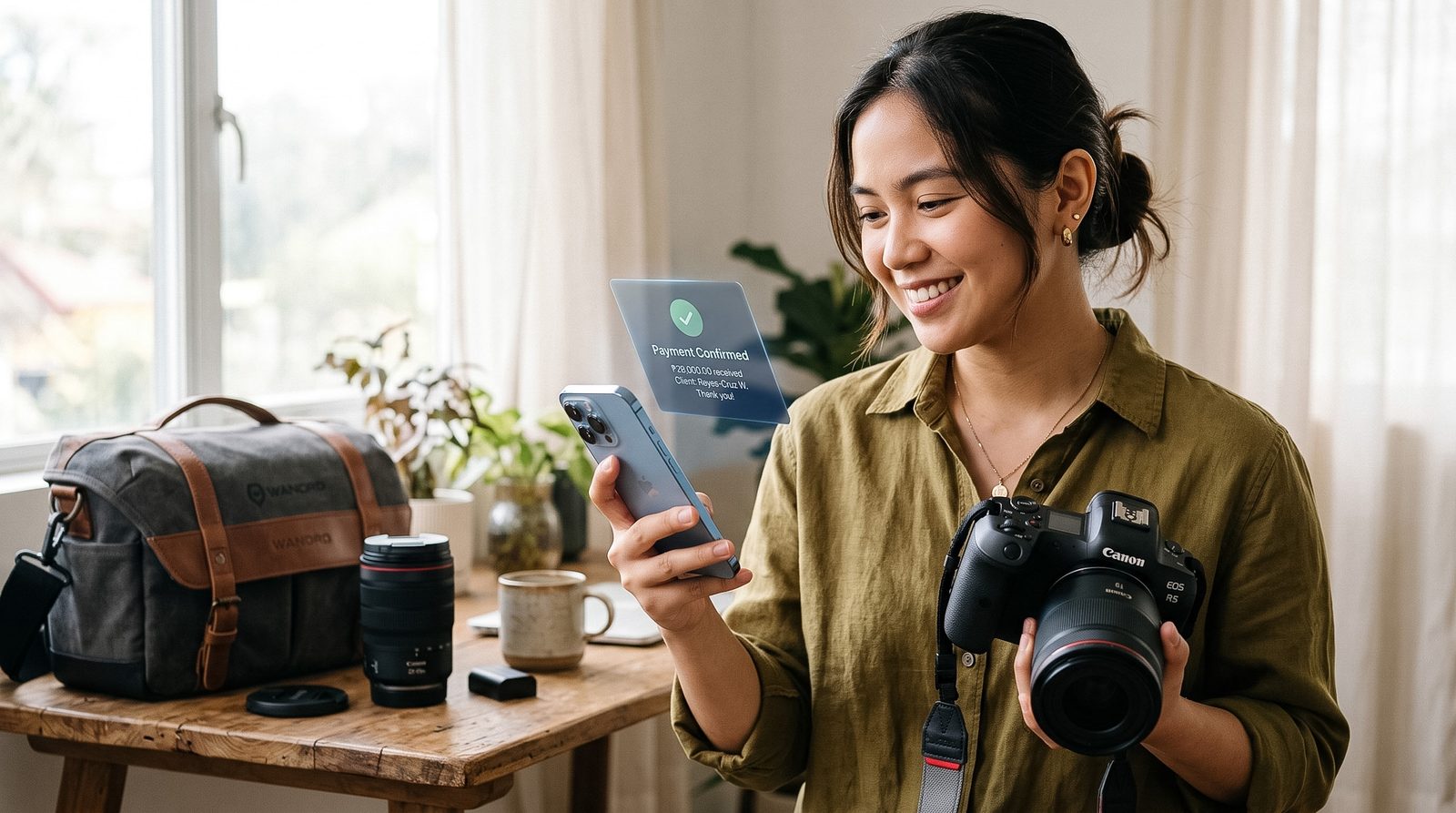
Collect the pre-event balance from photo and video clients with a tracked bill, automatic SMS reminders, and QR Ph auto-confirmation, so you shoot knowing you've been paid.
No monthly fee. Free to send a bill. You pay only when money lands.
The balance problem
Downpayments are easy. Clients pay them fast because that's what locks the date. The balance is where the money leaks, because it's due at the worst possible time: the days before the event, when you're prepping and they're distracted by their own countdown.
Deposit to reserve, balance to remember
The downpayment and the remaining balance live on one bill with a due date, not as two screenshots in different conversations. You always know what's still owed on a booking without scrolling back.
Deposit-ghosting and last-minute balances
A dated bill with an automatic reminder means the balance gets followed up in the run-up to the event whether or not you remember that week. It won't stop a client from cancelling, but it stops a balance from being forgotten until it's too late to collect calmly.
"Paid na po?" on shoot day
QR Ph confirmation tells you whether the balance landed before you pack the gear, so you're not verifying payment from your phone between setups.
How it works
Six steps, from creating the bill to paying out what you collect.
Create the Balance Bill
After the downpayment, enter the client, the remaining balance, and the event date as the due date. That turns "balance due before the shoot" into a clear, dated bill you can point back to, instead of a figure buried in a chat thread.
Share the Link
Send the payment link over Messenger, Viber, SMS, or email. The client opens it in a browser and pays through GCash or any QR Ph bank or e-wallet. They don't need a NextCollect account to pay.
Let Reminders Run Before the Event
Set the follow-up cadence once, a nudge a week out and a couple closer to the date, then let it run. Automatic SMS reminders go out with the amount and the payment link attached, so the balance gets chased on schedule and the message reads like a system notice, not an awkward one you have to write yourself.
Let QR Ph Confirm the Payment
QR Ph payments can mark the bill as paid automatically, so you're not matching screenshots to names on the morning of a shoot. If a client settles in cash on the day or through another channel, record it against the bill so the history matches what really happened.
See Every Booking's Balance in One List
One view shows paid, partially paid, unpaid, and overdue across all your upcoming events. Instead of rebuilding who-still-owes-me from chat threads and GCash history, you can just look before you head out.
Pay Out Your Collected Balances
Payments land in your NextCollect balance, not scattered across chat threads. When you're ready, pay out: a single transfer can send the balances from several bookings to your bank or another account, so you settle many collections at once instead of moving money one payment at a time.
The payoff
The balance gets chased on a set schedule, not from your memory.
Collect the balance before the shoot
The bill is dated to the event and reminders run in the lead-up, so you collect the balance before the shoot instead of chasing it after.
The reminders run, not you
Automatic SMS reminders go out on the schedule you set, with the amount and payment link attached, so following up doesn't depend on you remembering.
No shoot-day reconciliation
QR Ph payments can mark the bill paid automatically, so you know the balance landed before you pack the gear instead of matching screenshots to names.
One view of who still owes you
See paid, partially paid, unpaid, and overdue across every upcoming booking in one list, instead of rebuilding it from chat threads and GCash history.
Pricing
Free to send and chase. You only pay when a balance actually lands.
2%
collection fee, on a successful payment
₱12
payout fee, each time you move funds out
Fees and features verified as of July 17, 2026. Pricing reflects each provider’s own published rates. These change often — check the source for current pricing before deciding.
Official pricing: GCash for Business .
The right fit
A plain GCash number works for some shoots. This is where NextCollect earns its place.
Questions
No. They open the payment link in a browser and pay through a QR Ph-enabled bank app or e-wallet they already use, like GCash or Maya. Nothing to download, no account to create on their end.
Yes. Bills can be partially paid, so you can record the reservation downpayment against the bill and let it track the remaining balance. The reminders then run on what's still owed, right up to the event date.
You control the bill. Move the due date if an event is pushed back, or void the bill if a booking falls through. NextCollect tracks and records what's owed and what's paid; your own booking and refund terms are still yours to set and enforce.
You set the cadence once, then automatic SMS reminders go out before and after the due date with the amount and the payment link attached. Reminders are included, not metered, so following up more often doesn't cost more.
Creating and sending bills is free, and the automatic SMS reminders are included. Fees only apply when money actually moves: 2% on a successful payment, plus a ₱12 payout fee each time you move collected funds out, batched rather than per payment, to your bank or another account. Full details are on the pricing page.
More guides
Getting Paid
Create a payment link your customers pay with GCash or any QR Ph app, with automatic confirmation, reminders, and a clear view of who still owes you.
Accounts Receivable
Use a calmer six-step process to collect from clients in the Philippines, with tools for payment links, reminders, and tracking.
Accounts Receivable
Compare payment links, invoice software, and lightweight collections so you can choose the right way to get paid in the Philippines.
Create a bill, share the link, let automatic SMS reminders run, and let QR Ph confirm the payment — so you can see who still owes you without chasing.
No monthly fee. Free to send a bill. You pay only when money lands.